
Email Support
Call Support
+91 80 2335 9955
Working Hours
Mon - Sat 0900 - 1900
Product Detail
Cisco Webex DX80
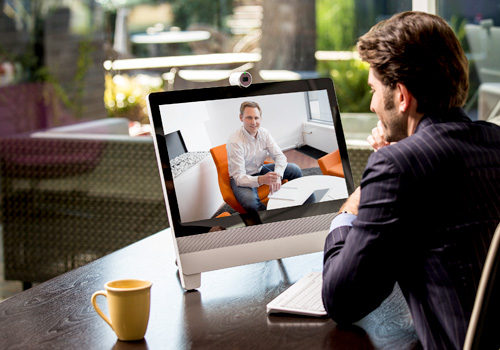
Your Cisco DX80 may operate in one of three modes: Public Mode, Simple Mode, or Enhanced Mode. Public Mode is similar to a kiosk mode. This guide does not cover Public Mode. In Enhanced Mode, the Cisco DX80 acts as an Android tablet, and the phone part of the unit is then an app referred to as the Call app. Your Administrator sets up operating modes.
Unique Features
- Simple Mode: Provides access to the following functions:
- Place calls
- Access your list of Contacts Display the list of Recent calls
- Display any Voicemail (Messages)
- View PC (if applicable)
- Display the Settings menu
- Enhanced Mode: Requires that you start the Call app before you can use the system as a phone.
- To start the Call app, tap Phone in the left corner of the black bottom bar. The Phone icon is shown in Enhanced Mode only.
- Other Key Features
- SE Android OS and Cisco end-to-end security features
- Cisco telephony features and extension mobility for shared workspaces
- Intelligent audio to eliminate background noise
- Integration with Bluetooth and USB accessories if desired
- Cisco Expressway and Cisco AnyConnect VPN to quickly connect from home